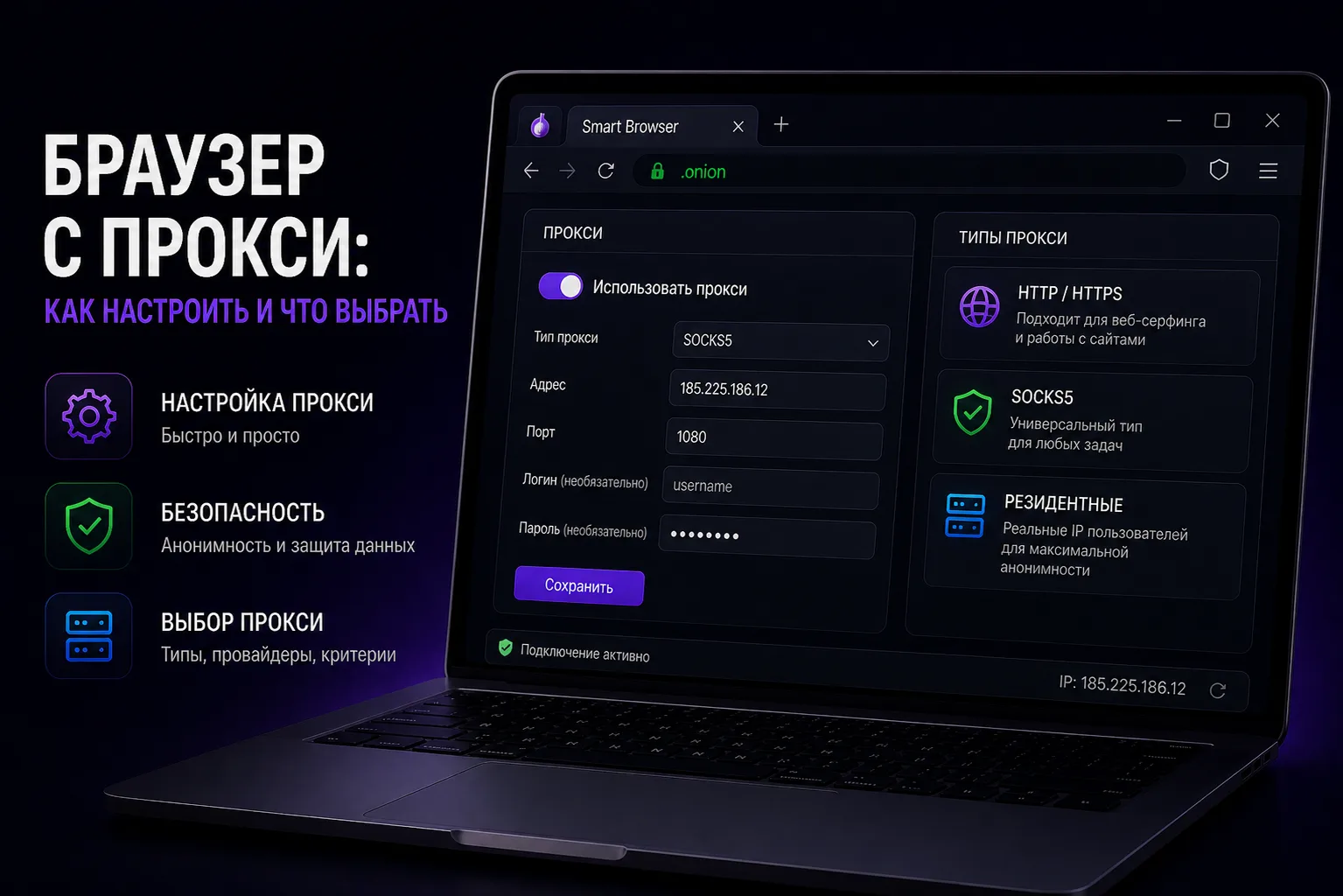
Proxy Types and Browser Configuration
Combining a browser with proxies is the most common approach to online anonymity and multi-accounting. But there's significant variation in proxy types, quality, and configuration methods. This guide covers everything you need to know about setting up a browser with proxy properly.
Proxy Protocols Explained
HTTP proxies work at the application layer and only proxy HTTP/HTTPS traffic. Easy to set up but limited in scope.
SOCKS5 proxies work at a lower level and can proxy any type of traffic — TCP, UDP, and more. Preferred for most privacy use cases because they don't interfere with the traffic they proxy.
Transparent proxies don't hide that you're using a proxy and reveal your real IP. Avoid for privacy purposes.
Setting Up Proxies in Browsers
Regular browsers (Chrome, Firefox):
- Go to browser Settings
- Search for "proxy" or network settings
- Configure system proxy or extension-based proxy
- Extensions like FoxyProxy offer per-site proxy rules
Antidetect browsers:
- Each profile has its own proxy settings
- Enter proxy details in the profile configuration
- Use the built-in proxy checker to verify
- The proxy applies only to that specific profile
Testing Your Proxy Configuration
After setting up a proxy, verify it's working correctly:
- Visit whatismyip.com to confirm your IP has changed
- Check whoer.net for detailed anonymity analysis
- Verify DNS leak protection at dnsleaktest.com
- Test WebRTC leak at browserleaks.com/webrtc
Proxy Provider Recommendations
Key criteria when choosing a proxy provider:
- IP freshness: How recently were IPs added to the pool?
- Rotation options: Sticky sessions vs. rotating IPs
- Geo-targeting: Country, state, and city targeting options
- Bandwidth limits: Unlimited vs. traffic-based pricing
- Connection speed: Minimum 10 Mbps for comfortable browsing