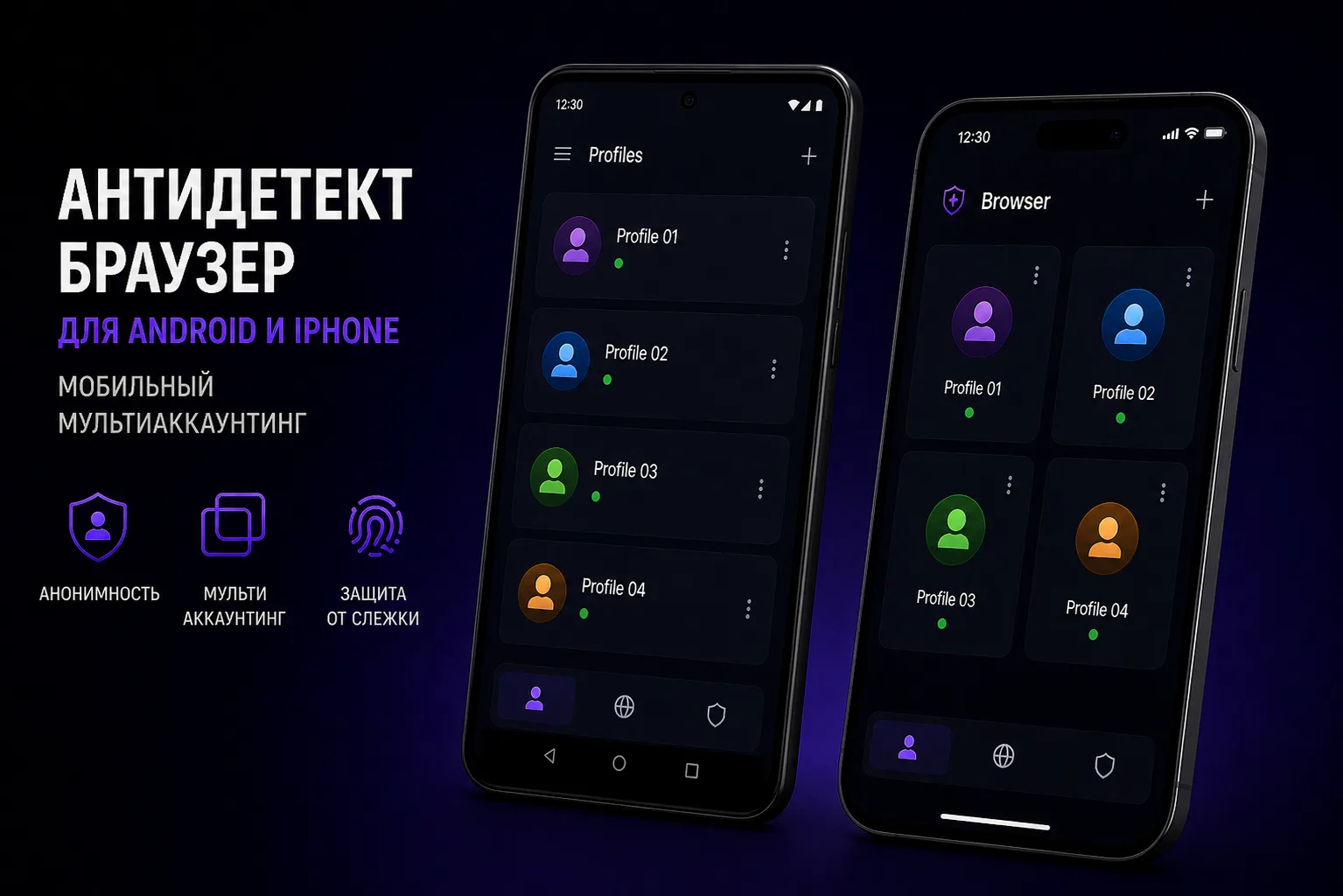
Mobile Multi-Accounting: A Different Challenge
Desktop antidetect browsers handle PC-based multi-accounting well, but mobile platforms — Instagram, TikTok, mobile apps — require a different approach. Mobile device fingerprints include unique identifiers that desktop browsers can't spoof: IMEI, IMSI, mobile network operator, device model, and Android/iOS-specific parameters.
Mobile Multi-Accounting Options
Several approaches exist for working with multiple mobile accounts:
- App cloners (Android): Apps like Parallel Space and Dual Space create isolated copies of social media apps on the same device
- Multiple user profiles (Android): Android's built-in user account switching provides basic isolation
- Android emulators: Software like LDPlayer, NoxPlayer, and BlueStacks simulate Android devices on a PC
- Cloud mobile phones: Services like MoreLogin's cloud phone feature provide virtual Android devices
- Real device farms: Multiple physical Android devices, each with its own SIM card and identity
Android Antidetect with Emulators
Android emulators are popular for mobile multi-accounting because they run on standard PC hardware. However, emulators are easily detected by platforms that check for emulator-specific parameters. The solution is to use emulators that support fingerprint modification — or better yet, specialized mobile antidetect tools.
iOS Limitations
iOS doesn't support third-party app cloners due to Apple's sandbox restrictions. iPhone multi-accounting options are more limited:
- Using different Apple ID accounts for different app instances
- TestFlight builds (for development testing)
- Enterprise certificate-signed apps
For serious mobile multi-accounting at scale, Android is strongly preferred over iOS due to its openness and flexibility.
Best Tools for Mobile Multi-Accounting in 2026
- MoreLogin with cloud phone: Best integrated solution for desktop + mobile multi-accounting
- LDPlayer: Best free Android emulator with good performance
- BlueStacks: Most popular emulator, good for social media apps
- AIO (Android-in-One): Specialized mobile antidetect for power users