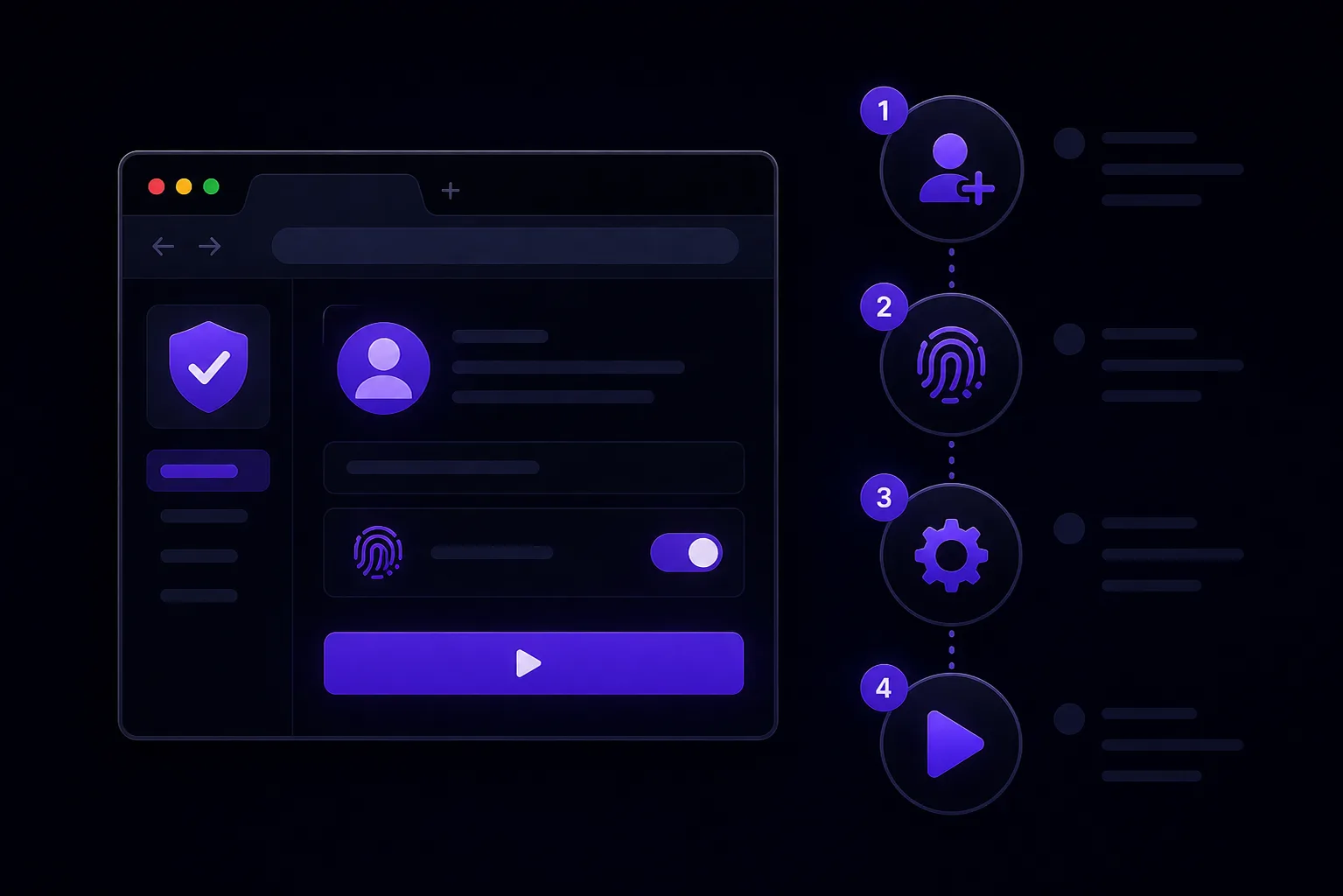
Understanding Antidetect Technology
An antidetect browser is a specialized web browser designed to mask or modify your device's digital fingerprint. Every time you visit a website, your browser reveals dozens of characteristics about your device — screen resolution, installed fonts, graphics card capabilities, browser version, operating system, and much more. Websites combine these characteristics into a unique "fingerprint" that can identify you across sessions, even without cookies.
Antidetect browsers work by generating unique, realistic fingerprints for each browser profile, making each one appear as a completely different user on a different device.
How Browser Fingerprinting Works
Modern websites collect fingerprint data through several techniques:
- Canvas fingerprinting: Your graphics card renders an image differently from any other card, creating a unique identifier
- WebGL fingerprinting: 3D rendering parameters reveal your GPU model and driver version
- AudioContext fingerprinting: Audio processing characteristics vary between devices
- Font detection: The set of installed fonts is highly unique to each system
- Plugin detection: Browser extensions and plugins create identifiable patterns
Who Needs an Antidetect Browser
Antidetect browsers are essential for professionals in several fields:
- Affiliate marketers: Running multiple ad accounts simultaneously
- Traffic arbitrage specialists: Managing accounts across different traffic sources
- E-commerce entrepreneurs: Operating multiple seller accounts
- Cryptocurrency traders: Working with multiple exchanges and wallets
- SMM managers: Managing client social media accounts
- Web scraping professionals: Bypassing antibot protections
Key Features to Look For
When choosing an antidetect browser, evaluate these features:
- Fingerprint quality: How realistic are the generated fingerprints?
- Proxy support: Can you assign unique proxies to each profile?
- Team features: Does it support multi-user collaboration?
- Automation API: Can you automate profile management and browser actions?
- Update frequency: How quickly does the browser adapt to new detection methods?
In 2026, the top antidetect browsers include 0DETECT, AdsPower, Dolphin Anty, Multilogin, and Octo Browser. Each has its strengths — choose based on your specific needs and budget.